Hardware failure
A failed drive, server or workstation can make local data unavailable without warning.

A backup only matters if it works when you actually need it. Rabbit MSP helps businesses protect important data and plan how they would recover after hardware failure, accidental deletion, ransomware or a larger outage.
From Microsoft 365 and workstation backup through to servers, cloud backup and practical recovery planning, we support businesses across Dandenong and Melbourne’s south-east.
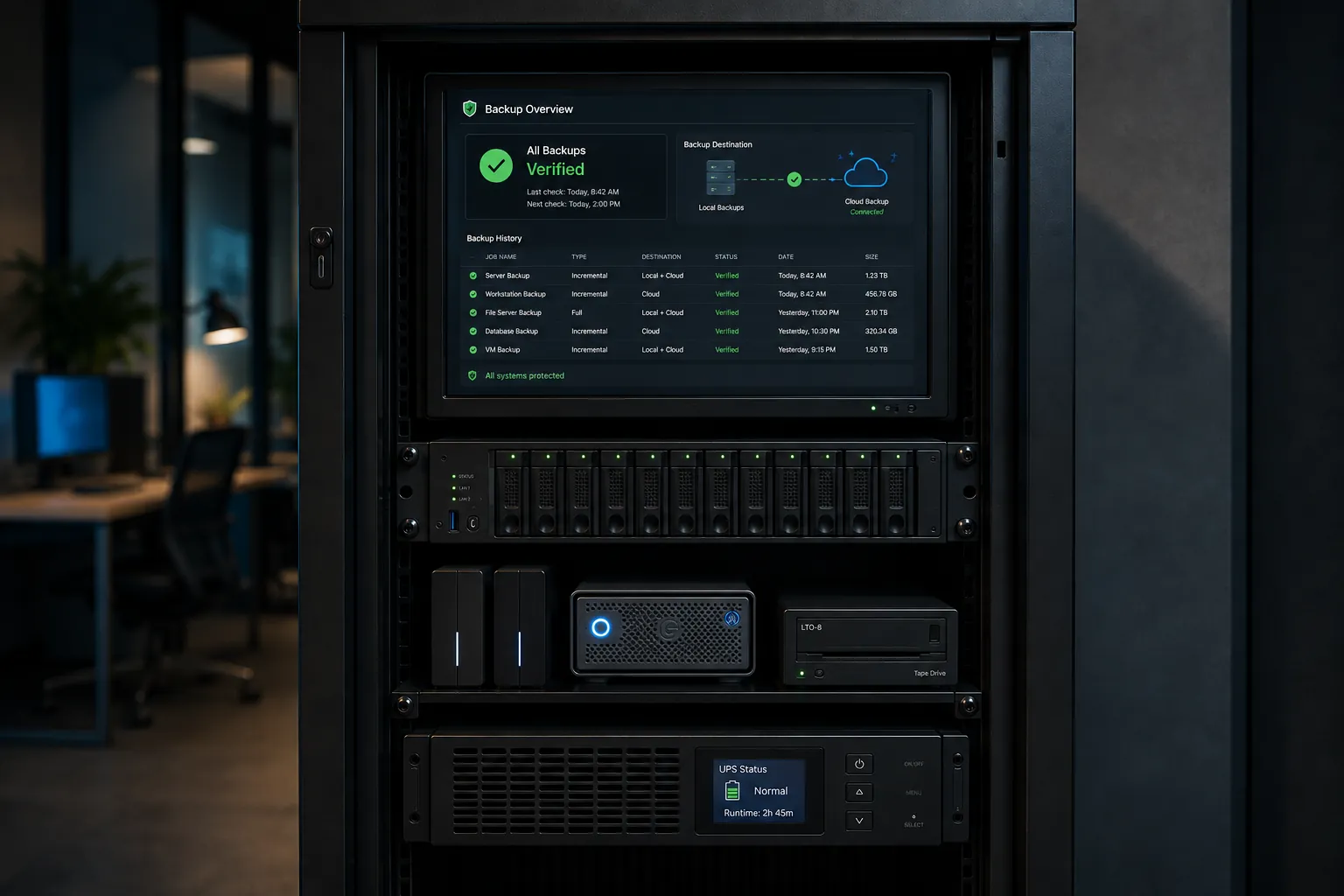
Backups are often overlooked because they sit quietly in the background, right up until the moment the business depends on them.
A useful backup strategy is not just about copying data somewhere else. It is about knowing what is protected, how often it is backed up, where the copies are stored and how quickly important information can be restored.
Rabbit MSP helps small businesses think about backup from the point of view that matters most: getting the business working again.
Backup and disaster recovery should account for ordinary failures as well as security incidents.
A failed drive, server or workstation can make local data unavailable without warning.
Files and cloud data can disappear because of an ordinary mistake, not just a cyber incident.
Malicious encryption or account compromise can affect live data and connected systems.
Important information should not exist only on the laptop that has just disappeared.
Cloud platforms provide resilience, but that does not remove the need to think about backup and recovery.
Recovery planning matters when the problem affects more than one device or service at once.
Different systems need different approaches. The goal is to avoid having important business information dependent on one device, one location or one copy.
Protect important Microsoft 365 data such as mailboxes, OneDrive and SharePoint with backup options designed for recovery when cloud data is deleted, changed or compromised.
Back up important files and supported business devices so a failed drive, lost computer or accidental deletion does not leave the business dependent on one copy.
Protect critical server data and supported business systems with backup planning that considers both the data itself and how the business would restore it.
Keep protected copies away from the original system so a local hardware failure, theft or site incident does not affect every copy at once.
Backups are an important recovery layer when security controls fail. We help consider how protected data can be restored after ransomware or another security incident.
Know what should be restored first, what the business can operate without temporarily and where the biggest recovery priorities are before an outage happens.
Those three questions are more useful than simply asking whether the business has a backup.
Identify the files, cloud data, workstations, servers and other systems the business would struggle to operate without.
Important backup copies should be appropriately separated from the original system so one failure does not affect everything at once.
Think about what needs to come back first, how long it may take and whether the business knows what to do when the pressure is on.

Microsoft 365 is central to email, files and collaboration for many businesses. It is also worth considering how important cloud data would be recovered after accidental deletion, malicious activity or another problem.
Rabbit MSP can help with Microsoft 365 backup options for supported services and choose an approach that suits the way the business uses Microsoft 365.
Explore Microsoft 365 support →Recovery is easier when the steps have been considered before the outage rather than invented during it.
Hardware failure, deletion, ransomware or another disruption.
Work out what is affected and what the business needs first.
Recover protected data or systems from the appropriate backup.
Get staff and critical business functions working again.
→ Your important files exist only on individual computers or one server.
→ Nobody is quite sure whether backups are completing successfully.
→ Microsoft 365 data is important to the business but recovery has not been considered.
→ You have backups, but you are not confident how long restoring would take.
→ Ransomware or a larger outage would leave the business unsure what to recover first.
The aim is not to make every possible outage painless. It is to protect the information that matters, reduce avoidable data loss and give the business a clearer recovery path when something goes wrong.
Rabbit MSP is based in Dandenong and supports businesses across Melbourne’s south-east, including Dandenong South, Hallam, Keysborough, Narre Warren, Cranbourne, Lynbrook, Rowville and Berwick.
We can help review existing backups, improve coverage and work through practical recovery priorities for the systems your business depends on.
Whether you are unsure what is protected, need Microsoft 365 backup, are replacing an old system or want a clearer recovery approach, Rabbit MSP can help.
Talk to Rabbit MSP →